


 Freephone: 0800 002 5555

 LOG IN


Caption.Ed - with VAT relief
£300.00

Caption.Ed Videos
By CareScribe
Note-taking and captioning software, designed to transform the way you work and study.
Generate highly accurate captions, take more effective notes and revisit everything when it suits you.
Captions improve how information is processed and absorbed, whether you’re deaf, have hearing loss, experience neurodivergence, or want to be more attentive in lectures and meetings.
There are 3 licence types Lite, Pro and Expert, functionality of the different licence types is the same, with the one exception that Caption.Ed Lite licences do not have AI summaries included.
Each licence type has a different monthly usage allowance:
Lite 1000 mins per month
Pro 3000 mins per month
Expert 9000 mins per month
Caption.Ed is note-taking and captioning software that helps people who are disabled or neurodivergent become more productive, engaged, and happy at work.
Unlike in-built captions, Caption.Ed provides highly accurate, lightning-fast speech-to-text which means users get access to consistent, reliable captioning software.
Combine that with the power of in-app note-taking and AI summaries, and Caption.Ed is a tool which truly helps people thrive in work.
“Using Caption.Ed allows me to relax and get into a meeting a bit more. I can concentrate better on the context of the meeting and think about those conversations in a deeper way”
Gabrielle Wright, Team Leader, Smart Insights
Features
Note-taking and live captions
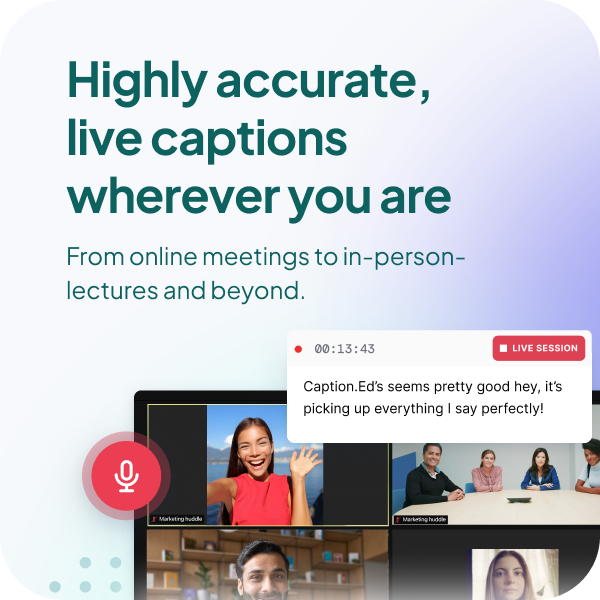
Caption.Ed allows users to add captions instantly to their online and in-person meetings.
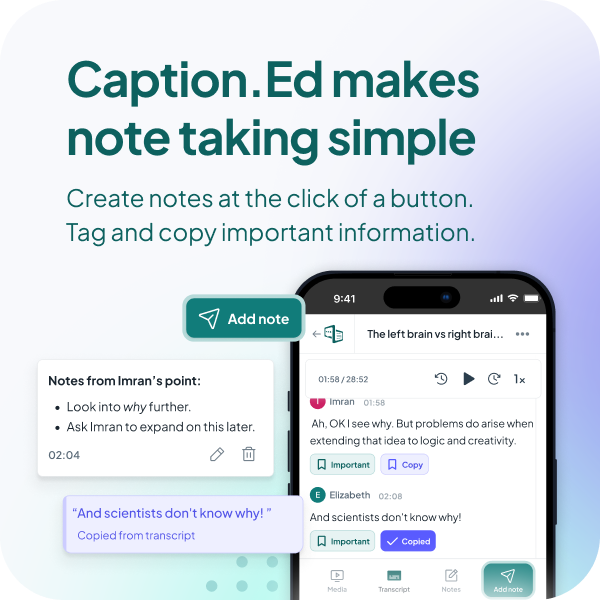
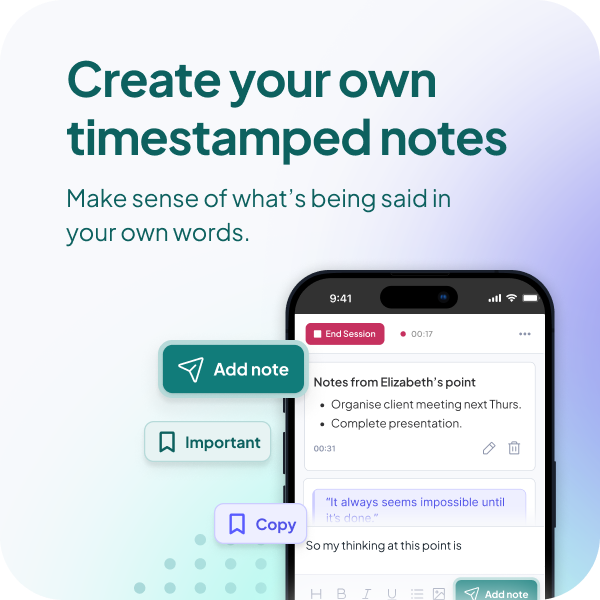
They can also add time stamped notes, synced to their transcript, and highlight key information so they never miss out on important information.
Unbelievable accuracy
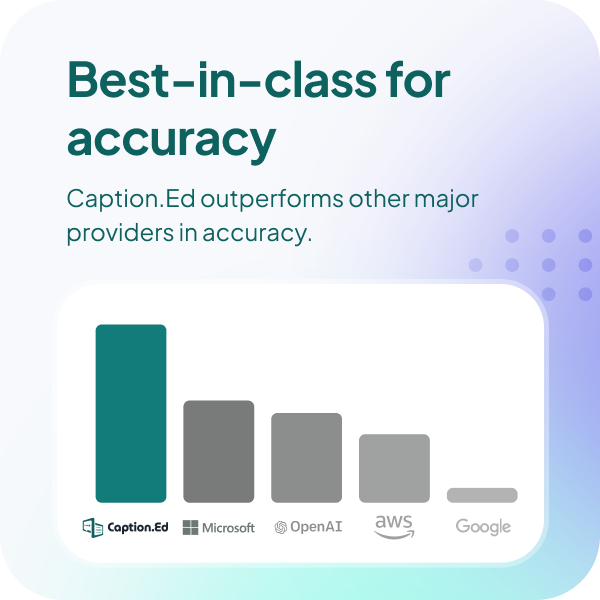
When it comes to accuracy, Caption.Ed outperforms the major cloud providers including Google, Amazon, and Microsoft, giving you access to reliable and consistent captions.
AI summaries
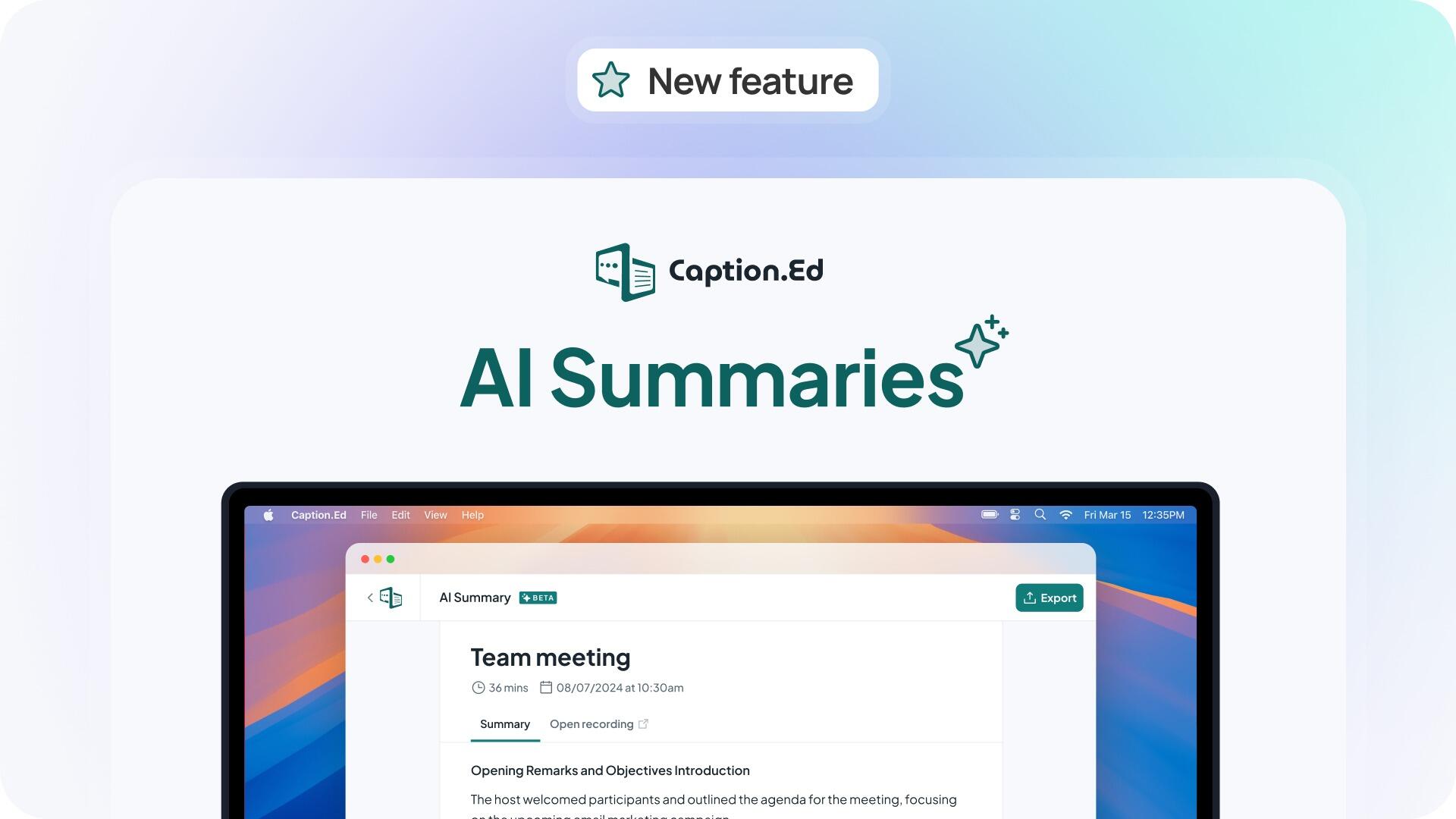
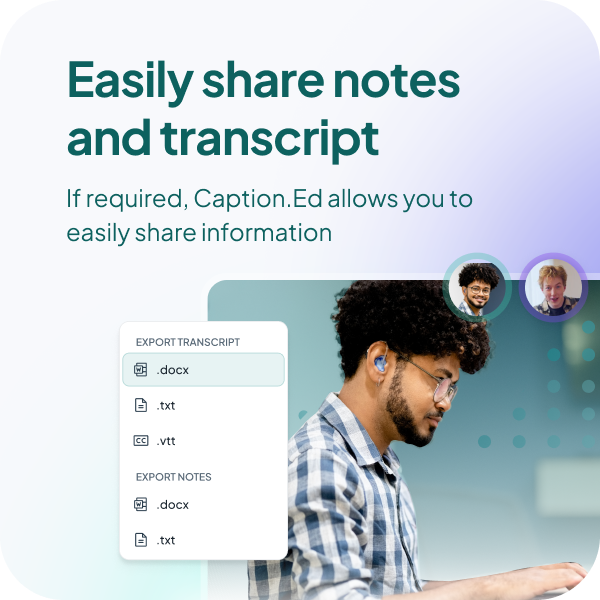
Transform lengthy recording transcripts into concise, chaptered summaries in the click of a button. Users can quickly get to grips with all of the important details from a meeting without having to review an entire transcript or replay the audio of their session. Summaries can also be exported into word documents or text files to share crucial meeting minutes or insights without delay.
Assign speaker names
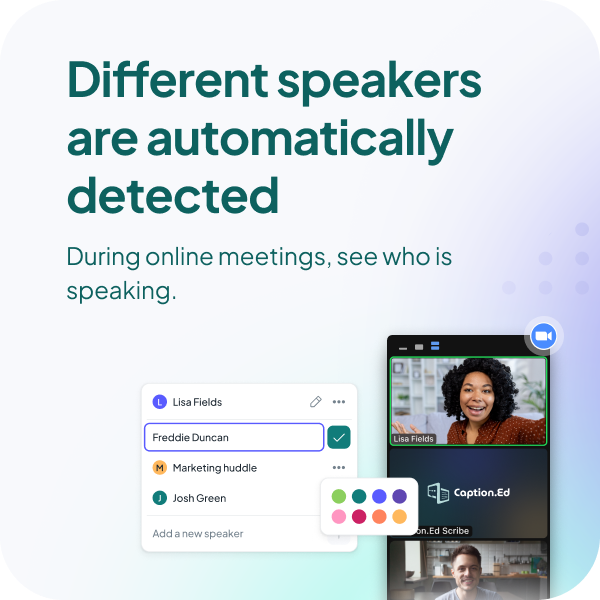
Knowing who said what during a conversation provides crucial context. With Caption.Ed, users can enhance their clarity and understanding by assigning speaker names to their transcript.
Capture audio and video
Caption.Ed gives users the power to capture the audio and video of a session. Watch a recording back and they’ll gain additional and essential context in the form of visual cues such as body language and facial expressions.
Customise Caption.Ed
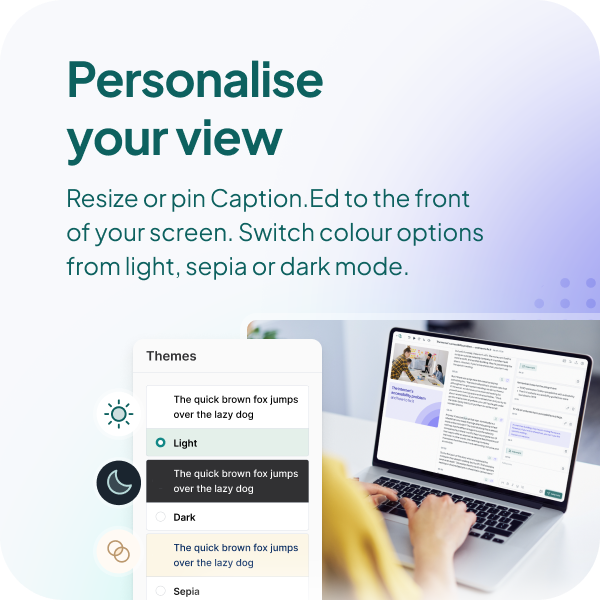
Users can customise Caption.Ed to however they like it. They can switch between light, dark, or sepia mode, adjust the size of the captioning window, or personalise their session to view notes only, captions only, or both.
Editable and interactive transcript
Once a user has ended a Caption.Ed session, they can head to their library and an interactive and editable transcript will be waiting for them.
Review past sessions in one place
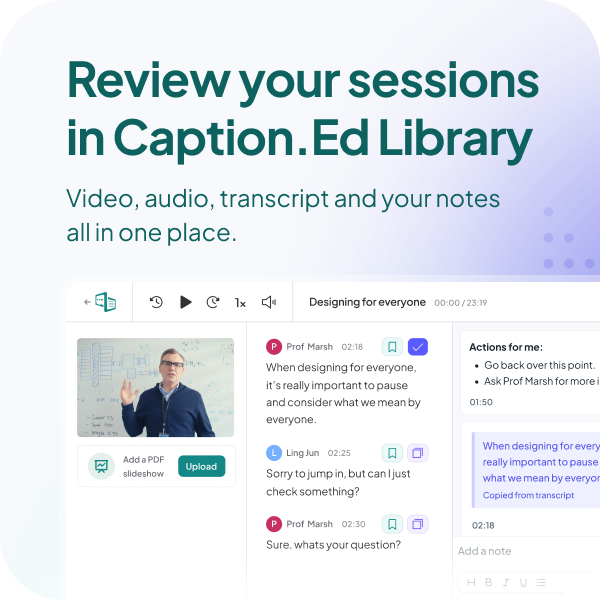
Once they’ve finished a Caption.Ed session, they can head into their library and be able to revisit their transcript, audio or video, and notes all in one place. A convenient way to remind
themselves of what was said, and why it was important.
Works on Windows, Mac, Chromebook and mobile
Windows user? Mac fan? Or perhaps they have a Chromebook? Whatever device a user is working from, Caption.Ed is compatible across all platforms. It also works on mobile devices and tablets.
Caption in multiple languages
Did you know Caption.Ed can caption in multiple languages? From Welsh to Mandarin, Caption.Ed Pro has 47 languages for users to choose from.
Captions in real-time
There’s nothing worse than captions which don’t sync up to speech. Caption.Ed delivers captions with minimal delay so that users absorb all dialogue in real-time. They can even scroll back if you miss anything.
Be the first to review this product.
Leave a review
For system requirements, please follow this link to the CareScribe Help Centre.